Plan your meals,
simplify your life
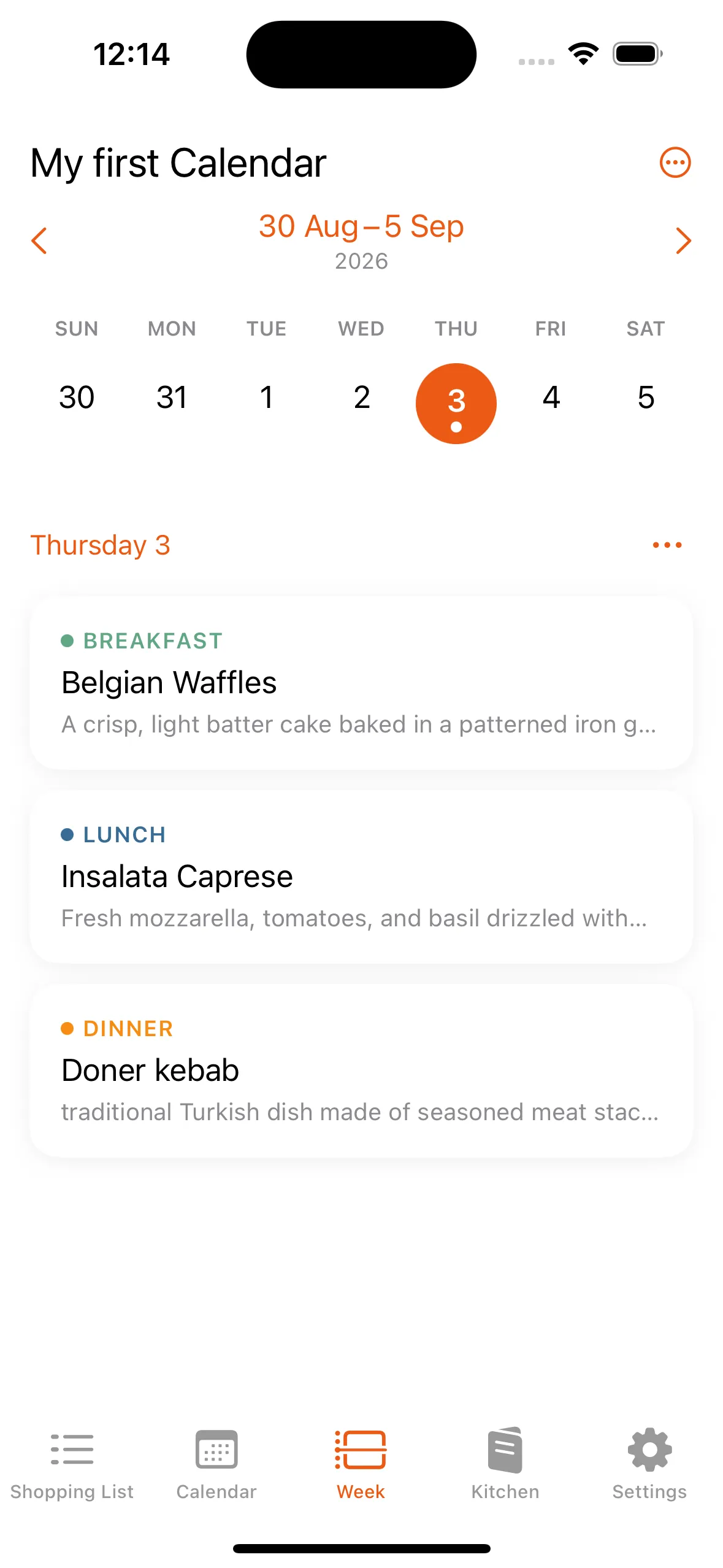
My Meal turns “what’s for dinner” into a calendar you fill once. Build your own dishes from the components and ingredients you actually cook with, plan a week in a few taps, and leave for the store with the list already written.
iPhone, 17 languages.
Your kitchen, described once
Most planners hand you a database of recipes you don’t cook. My Meal is built the other way round — you describe what your household eats, in three layers, and then planning is just picking.
Dishes
A dish is everything that lands on the table for one meal — the plate, the side, the drink. That is the unit you plan with.
Components
Components are the parts of a dish — the juice, the hot chocolate, the pancakes — each with its own ingredients, reusable across every dish.
Ingredients
Ingredients are the individual items inside a component, with your own quantities, units, storage and price — the raw material of every shopping list.
The small things that make a plan survive the week
Your kitchen, in full
Every dish you cook, opened up into its components and their ingredients, each one carrying its category, storage, measurement type and an estimated price. It is your kitchen in the app, not a stock database you have to work around.
Calendars you name yourself
Make a calendar for whatever it needs to be — the household, the fortnight you cook for your parents, a run of meal prep — and plan into it a single day or a whole date range at once.
Shopping lists that write themselves
Pick a date range and every ingredient in it rolls up into one list, with quantities already added together. Tick items off as you walk the aisles.
Reminders the night before
Mark an ingredient as frozen and My Meal tells you the evening before you need it: you have ingredients to defrost for tomorrow. The one step a plan usually dies on.
Your units, your prices
Mass, volume or a unit you invent yourself — a bunch, a tin, a handful. Add an estimated price and the shopping list carries a running total.
17 languages
The whole app, not just the menus. If your household cooks in two languages, everyone reads the plan in theirs.
Start free. Grow when your kitchen does.
Every plan has the whole app in it — calendars, shopping lists, defrost reminders. What changes is how much you can keep in it.
Plus and Pro are auto‑renewable subscriptions bought inside the app through the App Store, monthly or yearly. You only ever hold one, and Apple handles every move between them — an upgrade takes effect straight away, a change of billing period at your next renewal. Manage or cancel any time in your Apple ID settings.
On the free plan a shopping list is counted for good — deleting one doesn’t hand the slot back. Everything else is a live count: delete a dish and the room returns. Downgrading never removes anything you made; you simply stop adding once you have reached the new limit.
Tonight’s dinner is already decided.
Download My Meal, plan one week, and see whether the Wednesday argument goes away.
Questions, bugs, or a limit that doesn’t fit you?
Write to us. A person reads it, and it’s the fastest way to get something changed in the app.
support@mymealapp.co